Resetting TPM With iDrive
- Set the tire pressure of all wheels to specification.
- Turn ignition switch ON.
- Press controller to call up I menu. See Fig 1.
- Select SETTINGS and press controller.
- Select CAR/TIRES and press controller.
- If necessary, switch to top field and select TIRES/RDC and press controller.
- Start engine.
- Select CONFIRM TIRE PRESSURE and press controller.
- Drive vehicle. Initialization is automatically completed during the drive, without any feedback issued.
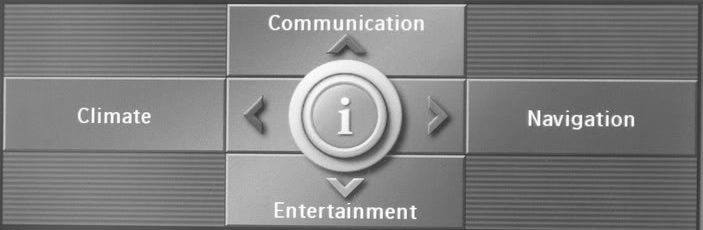 Courtesy of BMW OF NORTH AMERICA, INC.