TPMS Reminder Reset - Procedure 04
NOTE:
The initialization finishes during driving, which can be interrupted at any time. When driving resumes, the initialization is continued automatically.
- Set the tire pressure of all wheels to specification.
- Press "MENU" button to open start menu.
- Open the i-menu of the Control Center.
- Select "SETTINGS" and press the controller.
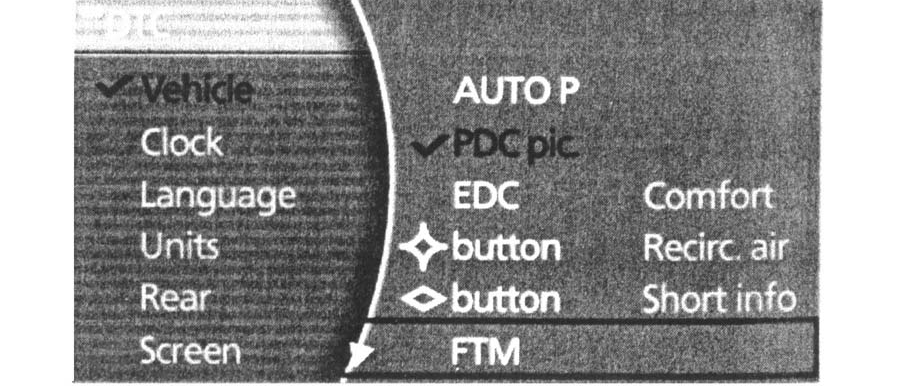
- Select "VEHICLE" and press the controller. See Fig 1.
- Select "TIRES: TPM" and press controller.
- Start engine, but do not start driving.
- Select "RESET" and press the controller.
- Select "YES" and press the controller.
- Drive vehicle. The message "RESETTING TPM...." will be displayed. Initialization is automatically completed during the drive. When initialization is complete, "STATUS: TPM ACTIVE" message will be displayed.